A stage-based runner where your Guardian runs forward automatically. Jump, slide, collect
gems, use items, and reach the finish flag before your health runs out.
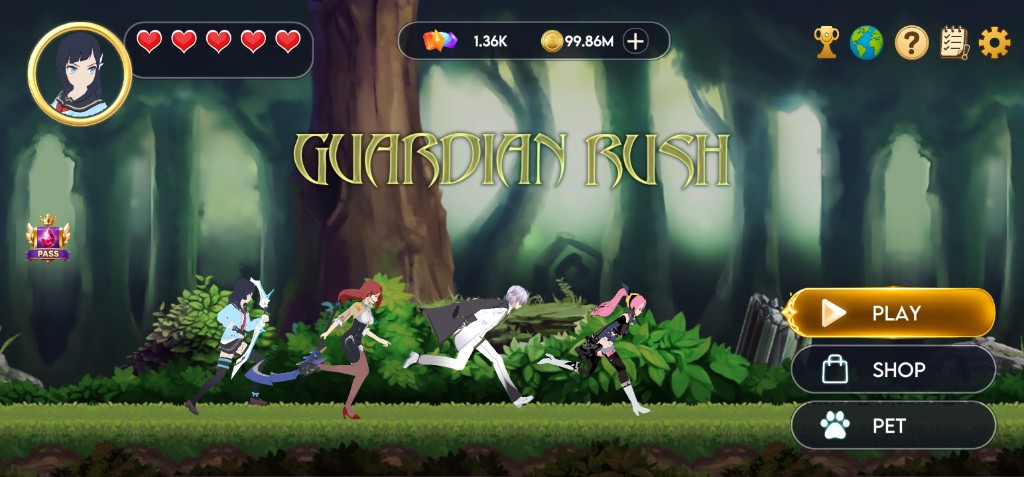
The lobby is your hub. Hearts sit next to your Guardian, Gems and Coins sit at the top,
and Play / Shop / Pet open the main menus.
Press Play to choose a stage, Shop to buy items, or Pet to pick a bonus.
Stages & Finish Flag
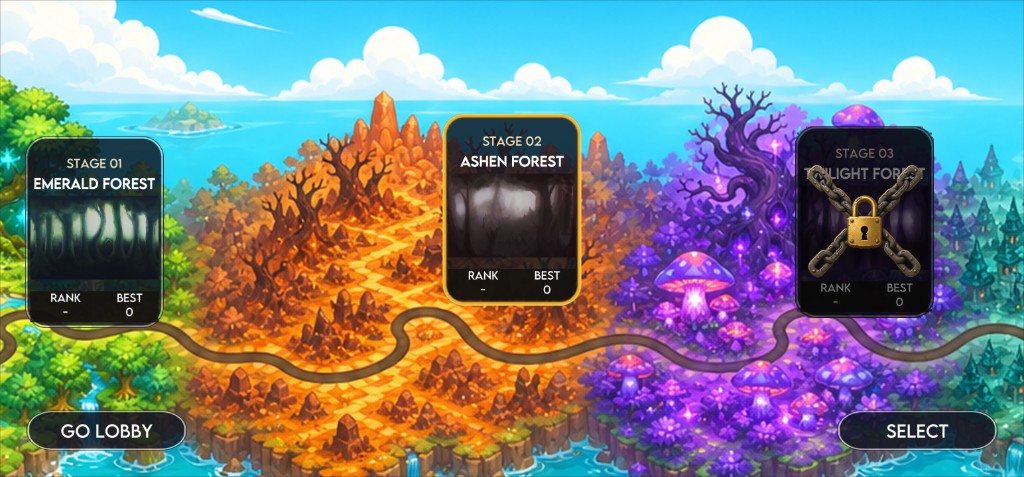
Press Play to open the stage map. Select an unlocked stage, then start the run.
Stage 01 Emerald Forest starts unlocked.
Later stages such as Ashen Forest and Twilight Forest stay locked until you clear the previous stage.
A locked stage shows a chain overlay. Trying to start it displays Clear Stage 1 first (or the matching previous stage).
Each stage has an ending. Near the end, pickups stop spawning and the timer changes to Reach the Flag!
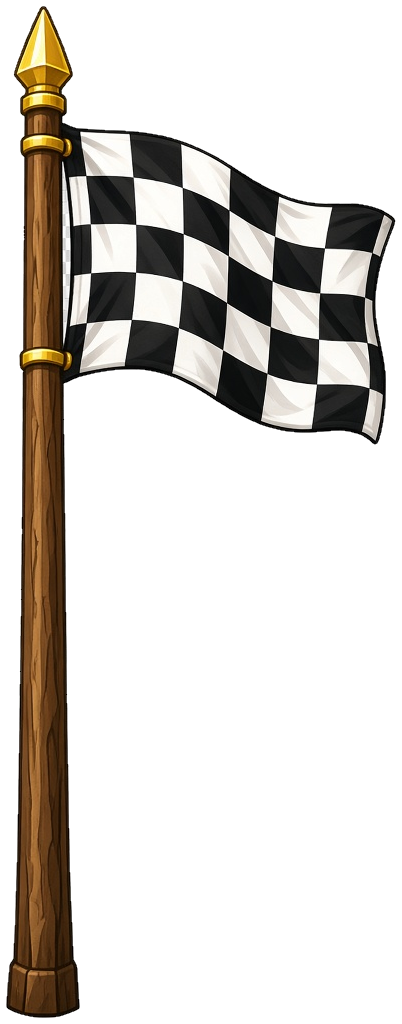
Touch the checkered finish flag to clear the stage and unlock the next one.
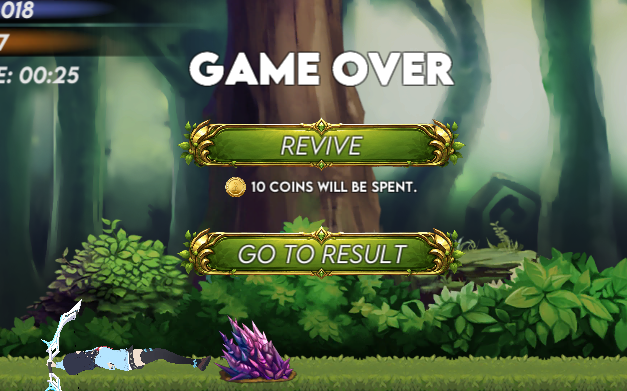
If your health hits zero before the flag, the run ends and you can revive or view results.
Unlocked stages can be selected. Locked stages stay chained until you clear the one before them.Reach this flag to clear the stage.
Controls
Your Guardian runs forward on their own. You only need to react to obstacles with
jump and slide.
Jump: tap the left jump button once to leap over ground obstacles.
Double Jump: tap again in mid-air for a second jump. You can jump up to two times before landing.
Slide: hold the right slide button while on the ground to duck under overhead obstacles. Sliding only works while grounded.
Pause: open the pause menu to resume, restart, or return to the lobby.
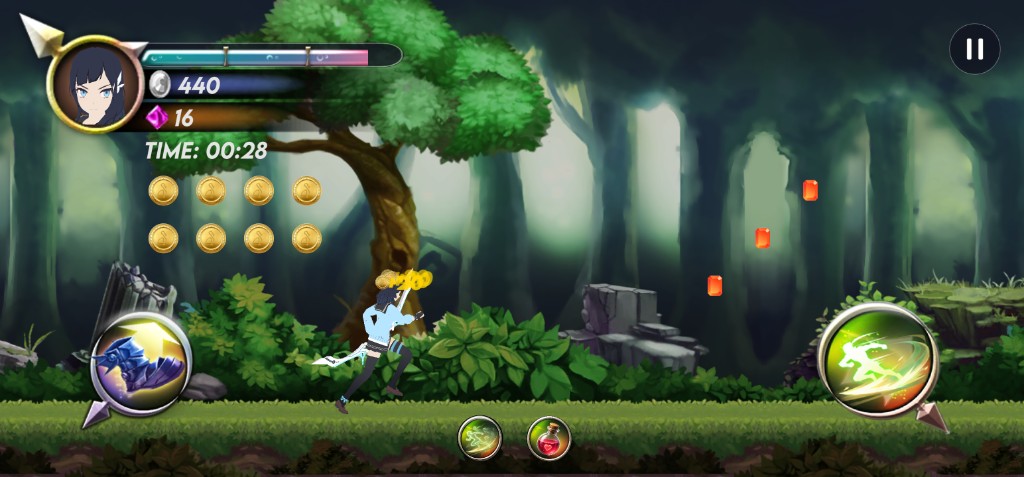
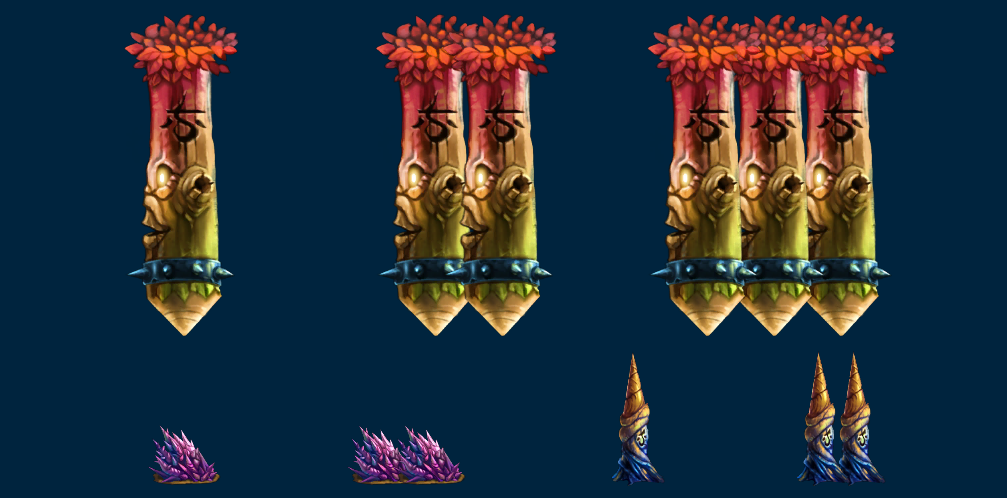
Jump on the left, slide on the right, and items in the center. Watch the obstacles ahead.Floor obstacles need jumps; ceiling obstacles need a held slide.
Items
Buy items in the Shop, then use them during a run with the two buttons at the bottom
of the screen. A button stays disabled if you do not own that item.
Invisibility: makes your Guardian immune to obstacles for 5 seconds. Cooldown: 5 seconds.
Heal Potion: restores 1/3 of health. Cooldown: 20 seconds.
Using an item consumes 1 owned copy. After the effect ends, wait for the cooldown
before using that item again.
Health Drain & Obstacle Damage
During a run you have a separate health bar. This is not the same as lobby Hearts.
Max Health
5
Natural Drain
~3 minutes to empty
Obstacle Hit
-10% of max HP
Health slowly drains over time even if you never get hit, so every run has a natural time limit.
Hitting an obstacle also removes health. About ten hits can end a full health bar.
When health reaches zero, the run ends and you can choose to revive or view results.
The longer you run, the faster the course scrolls and the denser obstacles become. Reach the finish flag before your health runs out.
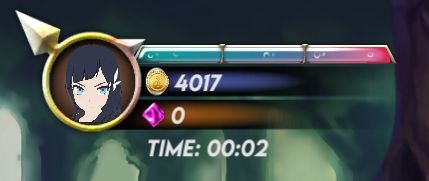
The upper HUD shows health, Coins, Gems, and run time.
Hearts, Currency & Revival
Hearts
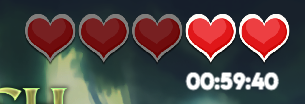
Hearts are your lobby lives. Starting a run costs 1 Heart.
Maximum Hearts: 5
Natural recharge: about 1 hour per Heart
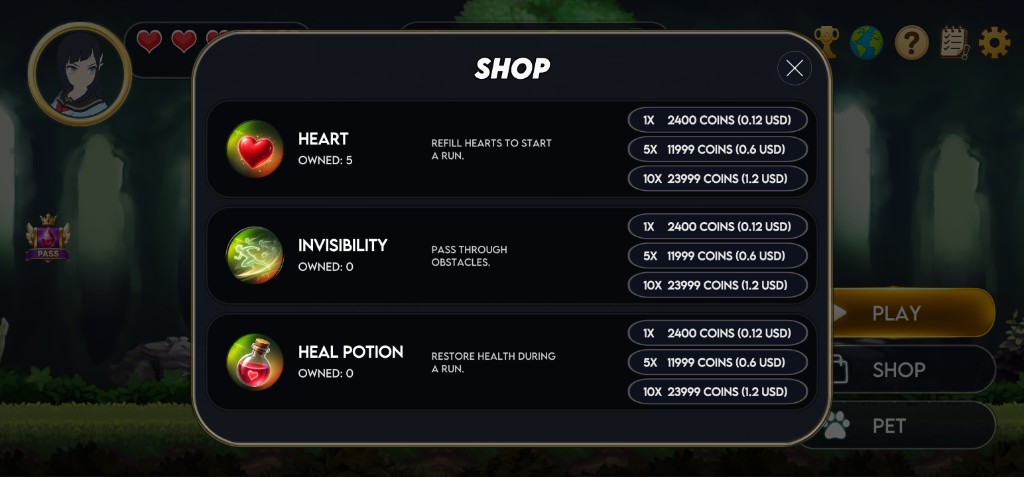
Buy Hearts in the Shop. 1 / 5 / 10 packs cost $0.12 each ($0.12 / $0.60 / $1.20). Coin amounts follow the current MDDC rate.
You cannot buy more Hearts when you are already full
Empty Hearts refill over time, up to a maximum of five.
Revival
When your health hits zero, you can continue the same run once.
Cost: $0.10 in Coins (the Coin amount follows the current MDDC rate)
Limit: 1 revive per run
Effect: restore full health and keep playing from where you fell
If you skip revive or cannot afford it, the result screen appears
Spend Coins to revive, or end the run and view your result.
Gems, Medodo Coins & Score
Collectible gems raise your score and add Gems to your account. Medodo Coins are a
separate pickup used for pets, hearts, items, and revival.
Collectible
Score / Value
Notes
Small Gem
1
Available from the start
Middle Gem
2
Appears after about 20 seconds
Big Gem
3
Appears after about 60 seconds
Very Big Gem
5
Appears after about 120 seconds
Medodo Coin
+1 Coin
Spawns occasionally; not counted in score
Final score = Small x 1 + Middle x 2 + Big x 3 + Very Big x 5
Gems near your Guardian are pulled in by a magnet effect
Medodo Coins are spent in the Shop, pet unlocks, and revive
Pets
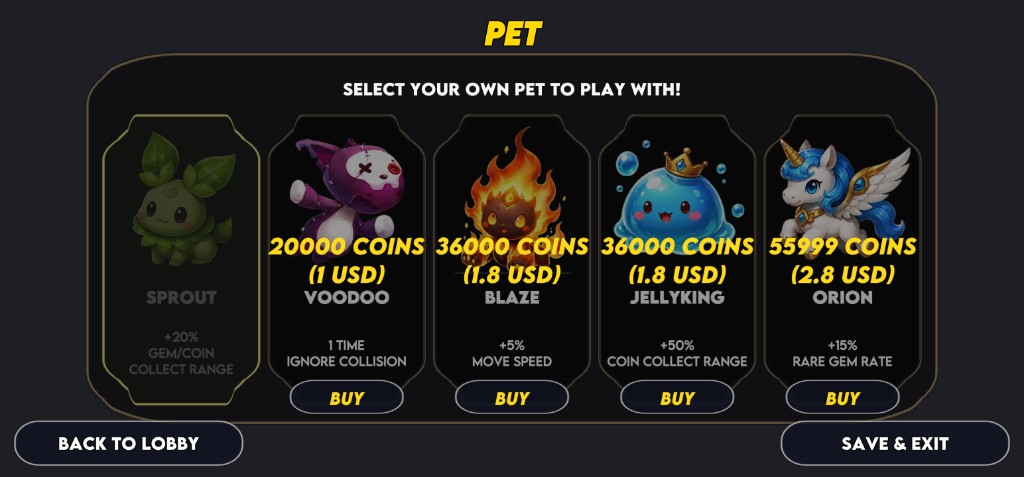
Unlock pets with Medodo Coins, then select one before a run. Only one pet bonus is
active at a time. Sprout is unlocked by default.
Choose the pet that matches your play style, then Save & Exit.
Sprout
Gem and coin magnet range +20%
Free / Default
Voodoo
Ignore 1 obstacle collision per run
$1.00
Blaze
Move speed +5% for a tougher run
$1.80
JellyKing
Coin magnet range +50%
$1.80
Orion
15% chance to upgrade spawned gems to Very Big
$2.80
Shop & Coin Charge
Open Shop from the lobby to buy Hearts and run items. Coin prices follow the current
MDDC rate; the USD price stays fixed.
Heart: refill lobby lives so you can start a run.
Invisibility: pass through obstacles during a run.
Heal Potion: restore health during a run.
Packs: 1 / 5 / 10 for $0.12 / $0.60 / $1.20
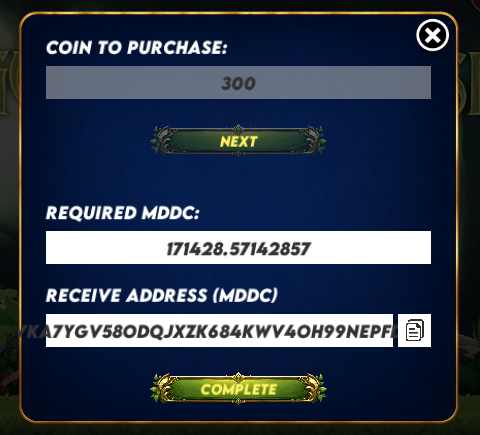
MDDC Charge: tap + next to Coins, enter how many Coins you want, check the required MDDC amount, copy the deposit address, then confirm after sending
Buy Hearts and items in packs of 1, 5, or 10.Enter a Coin amount, check the required MDDC, and complete the charge.